Common Printer Problems and How to Troubleshoot Them at Home and Office
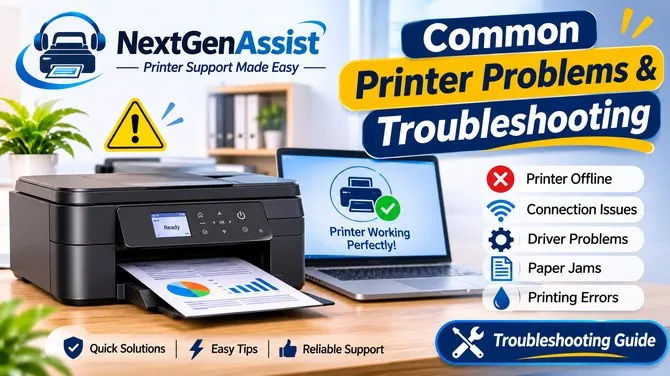
Printers are essential tools for both home and office environments. Whether you need to print important documents, school assignments, business reports, or personal photographs, a properly working printer makes everyday tasks easier. However, printer problems can appear unexpectedly and interrupt your work. Issues such as offline printer errors, wireless connection failures, paper jams, and outdated drivers are common. Understanding these problems and knowing some basic troubleshooting steps can help users save time and avoid unnecessary frustration.
1. Printer Showing Offline Status
One of the most common printer issues is the offline status message. This usually happens when the computer cannot communicate with the printer. First, check whether the printer is switched on and properly connected to the same Wi-Fi network as your computer. You can also restart both devices and check the printer settings on your computer. Make sure the correct printer is selected as the default device.
2. Wi-Fi and Connection Problems
Wireless printers offer convenience, but network issues can prevent them from working correctly. If your printer is not connecting to Wi-Fi, check your internet router and confirm that the printer is connected to the correct network. Moving the printer closer to the router may also improve the connection. In some cases, reconnecting the printer to the wireless network can resolve the problem.
3. Printer Driver Installation Issues
Printer drivers help your computer communicate with your printing device. Missing, outdated, or incompatible drivers may cause printing errors. Users should check the printer manufacturer's official website for the correct driver version for their operating system. Installing updated drivers can improve compatibility and help the printer function properly.
4. Paper Jams and Printing Errors
Paper jams can happen when paper is loaded incorrectly, damaged, or placed beyond the recommended tray capacity. Turn off the printer before carefully removing stuck paper according to the manufacturer's instructions. Avoid pulling paper forcefully because this may damage internal components. Also, check that the paper tray is properly aligned and that the paper is suitable for your printer.
5. Why Regular Printer Maintenance Matters
Regular maintenance can help prevent many common printing problems. Keep the printer clean, use suitable paper, check ink or toner levels, and install recommended software updates. Following the manufacturer's maintenance instructions can also help improve print quality and extend the printer's working life.
Get Help with Printer Troubleshooting
Some printer problems require more than basic troubleshooting, especially when connection errors, driver conflicts, or repeated offline messages continue. In such situations, users can explore professional technical support for guidance.
NextGenAssist provides printer troubleshooting support for common issues involving printer setup, offline errors, Wi-Fi connectivity, driver installation, and printing or scanning problems. Home users and businesses can explore helpful support options at https://nextgenassist.com/.
A printer does not have to become a source of daily frustration. By following simple troubleshooting practices, keeping software updated, and seeking assistance when necessary, users can enjoy a smoother and more reliable printing experience.


